Mobile Capture, AI Execution
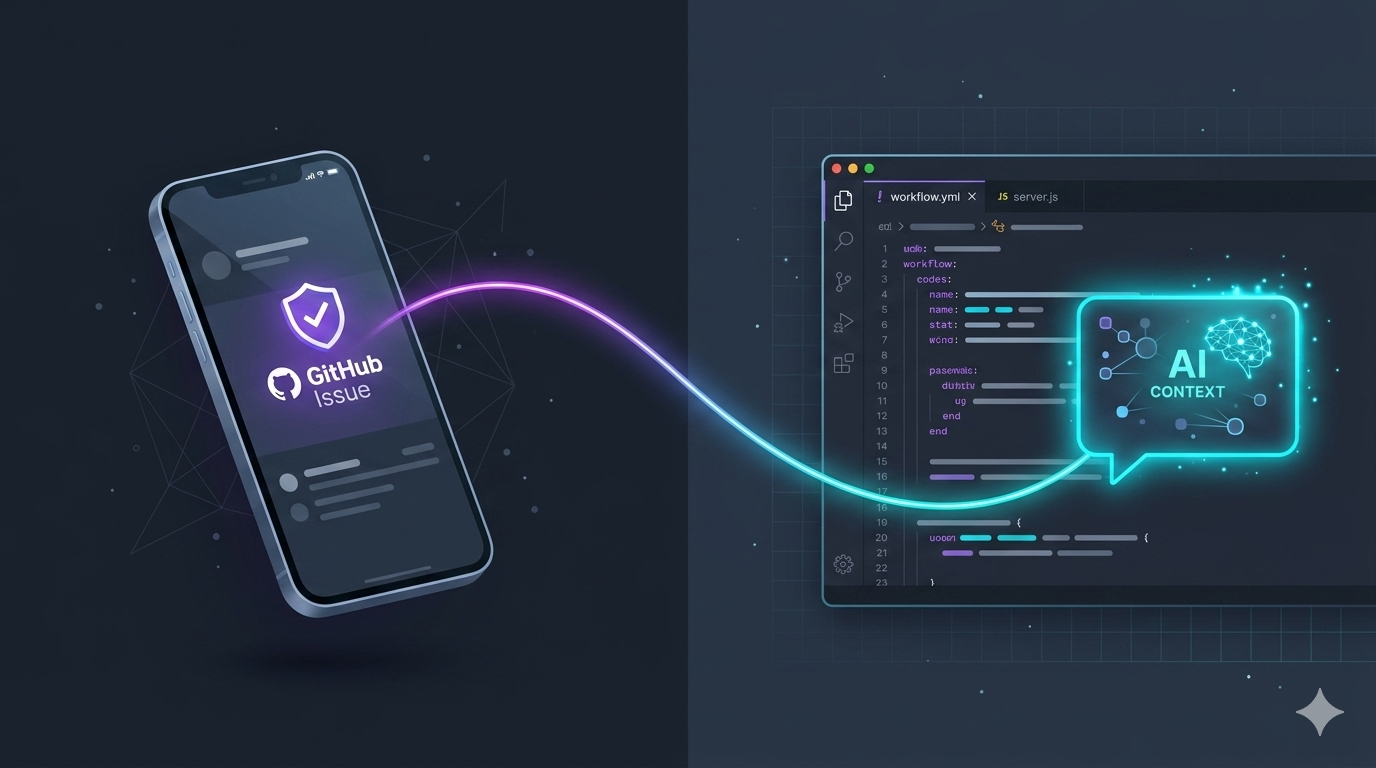
Whether I’m standing in a grocery line or out for a walk, my brain refuses to stop triaging engineering problems. For a long time, the biggest friction in mobile productivity wasn’t a lack of ideas—it was the massive drop-off between capturing a stray thought on a phone and actually executing it at a terminal later that evening.
Lately, I’ve settled into a frictionless, lazy-but-highly-efficient GitOps loop that bridges mobile triage with heavy-duty local development.
The stack is beautiful in its simplicity: the native GitHub mobile app and Gemini in Android Studio.
Here is exactly how I offload my short-term memory to the cloud.
Stage 1: The Mobile Capture (Before I Forget It)
When inspiration or a random bug realization hits me while I’m away from my desk, I don’t open a generic notes app or type a chaotic scratchpad entry that will look like hieroglyphics later. I open the GitHub app and create a new Issue directly in the project repository.
Because it’s a structured Issue, I treat it like a mini-spec for Future Tony:
- The “What”: A punchy title (usually lower-case and straight to the point).
- The “Why”: A bulleted list of acceptance criteria so I don’t drift out of scope.
- The Metadata: Tagging it with appropriate labels right from my screen because clean repository hygiene satisfies my soul.
Writing it inside GitHub immediately anchors the idea to the codebase. There’s no copy-pasting or shifting contexts later. It’s sitting there on the remote, silently judging me until I log on.
Stage 2: The Desktop Handoff (Let the AI Do the Heavy Lifting)
When I finally get back to my desk and open Android Studio, I have zero desire to waste time re-reading my own notes or manually hunting down the exact files I need to modify. My activation energy at 9 PM is low.
Instead, I fire up the Gemini side-panel, leverage the full AI context window, and feed it a direct prompt:
“Hey Gemini, fetch and read GitHub Issue #12 for this repo. Let’s map out the implementation plan for the changes requested.”
Because the AI context window can deeply parse both the current state of my local workspace and the live issue description, it instantly bridges the gap. It reads my mobile brain-dump, scans the active repository architecture, and drops a tailored blueprint or code snippet right where it belongs.
Why This Loop Wins
As engineers, our scarcest resource isn’t CPU cycles—it’s cognitive energy. Context-switching and manual tracking kill momentum faster than a corrupted packfile.
By offloading the capture phase to a structured mobile GitHub issue and offloading the initial parsing phase to an intelligent assistant that actually understands my local codebase, I completely eliminate the mental friction of starting a feature.
I don’t have to remember what I was thinking six hours ago. The issue holds the intent, the AI provides the initial execution vector, and I get straight to doing the fun part: writing clean code and shipping it.
Related Posts
2026-06-07